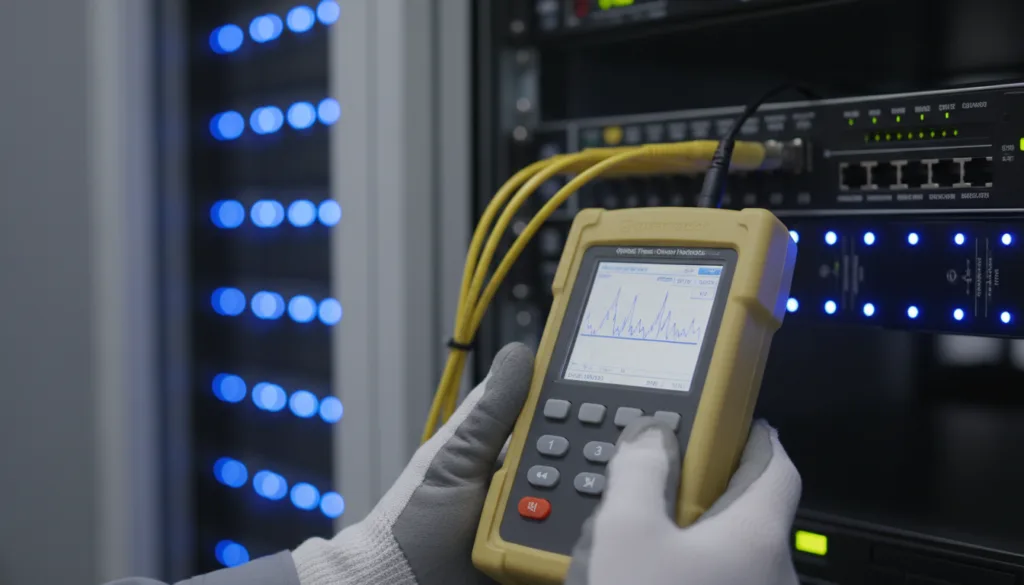
In one line: an OTDR sends short pulses of light down the fibre and plots the light reflected and scattered back against distance. A smooth downward slope is fibre attenuation; steps and spikes are events — connectors, splices, bends and the fibre end.
How an OTDR works
An Optical Time Domain Reflectometer injects a pulse of laser light into one end of the fibre. As the pulse travels, a tiny fraction of light is scattered back (Rayleigh backscatter), and larger amounts are reflected at connectors, mechanical splices and the far end. The OTDR times the returning light to calculate distance and measures its power to calculate loss. The result is the trace: power in dB on the vertical axis, distance on the horizontal.
The features of a trace
① Launch reflection and dead zone
The first spike is the reflection at the OTDR’s own connector. For a short distance after it, the detector is “blinded” and cannot see events — the dead zone. That is why a launch cable (typically several hundred metres to a few kilometres) is connected between the OTDR and the link: it moves the first real connector out of the dead zone so it can be measured.
Fibre attenuation slope
Between events the trace slopes gently downward. The steepness is the fibre’s attenuation in dB/km. Single-mode fibre loses far less per kilometre at 1550 nm than at 1310 nm, so testing at both wavelengths gives a fuller picture.
② Reflective events — connectors
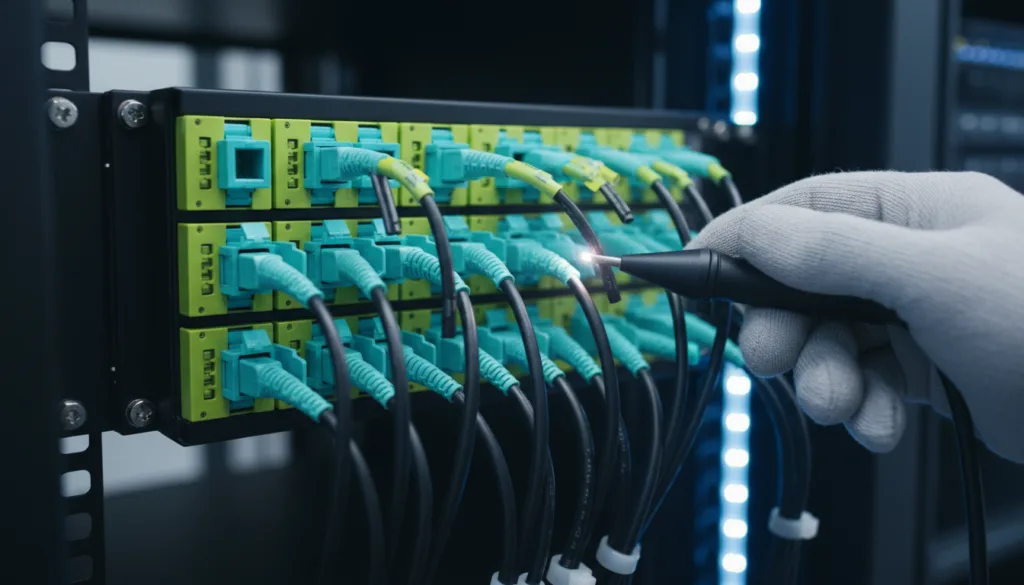
A connector shows as a spike (reflection) followed by a drop (loss). The spike height relates to reflectance; the step across it is the connector’s insertion loss. Dirty or damaged connectors show higher loss and stronger reflection — another reason to inspect and clean every end-face before testing.
③ Non-reflective events — fusion splices
A good fusion splice appears as a small step down with no spike, because a fused joint has almost no reflection. The size of the step is the apparent splice loss.
④ Bends
A macro-bend also shows as a non-reflective step, but it is usually wavelength-dependent: the loss is noticeably larger at 1550 nm (or 1625 nm) than at 1310 nm. Comparing wavelengths is the quickest way to tell a bend from a poor splice.
⑤ Fibre end
The far end of the fibre gives a large reflection if it is a clean connector, followed by a drop into the noise floor. A break in the middle of a route looks similar — the trace simply ends early. The distance to that event is your distance to fault.
Gainers and why bi-directional testing matters
Sometimes a splice appears as a step up — a “gainer”. The joint has not created light; the two fibres simply have different backscatter coefficients, so the OTDR misreads the loss from one direction. Testing from the other end shows the opposite error. Averaging the two directions gives the true splice loss. This is why proper Tier 2 certification uses bi-directional OTDR testing with launch and receive cables.
Ghosts
A ghost is a false event caused by a strong reflection bouncing back and forth — often appearing at exactly double the distance of a real reflective event, sometimes beyond the fibre end. If an event sits at a suspicious multiple of a real one, shows no loss and changes with test settings, it is probably a ghost.
Test settings that change the trace
| Setting | Effect |
|---|
| Pulse width | Short pulses resolve closely spaced events; long pulses reach further but widen dead zones. |
| Range | Should be set beyond the fibre length so the end and noise floor are visible. |
| Averaging time | Longer averaging reduces noise and reveals small events. |
| Wavelength | 1310 and 1550 nm together reveal bends and give a fuller loss picture. |
| Index of refraction | Must match the fibre so distances are accurate. |
Reading the event table
Modern OTDRs analyse the trace automatically and list each event with its distance, loss and reflectance, plus pass/fail against the thresholds you set. Treat the event table as a starting point, not the final word: always check the trace for missed events, ghosts and gainers — especially on short data centre links with many connectors close together.